

Before we get into the nitty-gritty of what VPNs do, I want to dive into what a normal internet session looks like.
When you open up your internet browser (Chrome, Firefox, etc.) and go to a website, you send a “packet” of information to that website. You can think of it like a letter. That letter includes the website’s address (their IP address) your return address (your IP address) and a request for information. Your ISP (internet service provider) transports that letter to the intended website, like your mailman. The website then returns the request with a letter of their own that contains a secret code. Your browser then sends another packet that tells the website that it got the code and it is ready for the web page. The website sends the page and your browser uses the secret code to translate the page. This entire process happens almost instantly over a few milliseconds.
The conversation between your computer and the website (and your mailman) usually goes as intended but sometimes the website asks for your social security number or your banking information. Like an envelope waiting in your mailbox can be stolen by thieves, those packets can be intercepted and filtered through by thieves.
These thieves can steal the information in those packets and they could also use the address you have listed on the packet to attempt to gain direct access to your computer. There are a lot of reasons that a thief would want to invade your computer like this. They could be trying to find banking passwords stored on your computer, they could want to use your computer as a weapon against a bigger corporation, or they could want to break your computer because they don’t like you.
This method of interception becomes particularly insidious in places with public internet, like airports or coffee shops. This is because the thieves can read all of the packets sent and received between you and the website including the secret handshake.
Many credit card numbers have been stolen by thieves who connected to public Wi-Fi, activated a program, and allowed the information to come to them.
Here is where the VPN comes in. Instead of having your ISP make contact with the website, you use an indirect route through a virtual private network (VPN). Continuing on with the letter metaphor, this is like using the return address for a secure apartment building instead of your address so your packet doesn’t point directly to you. If you are using a business VPN, the apartment complex is literally the headquarters for your business.
It gets better too. Your computer and the VPN’s “apartment complex” come up with a secret code, called a “handshake.” Both devices know the handshake, so you can send the secret messages and also receive the secret messages.[1] The connection between your computer and the remote network is called a “tunnel”. This tunnel is a direct line between the computer and the VPN and it essentially treats the VPN like your router.[2] Since the VPN and your computer have a direct line, the secret code doesn’t need to be communicated at the coffee shop over the air.
Once the VPN receives the packet from your computer, it unencrypts the body of the letter and sends it to the website as if it was asking the website for the information. The website sends the information back to the VPN. The VPN then encrypts the information and sends it back to your computer.
This means that if there is a thief waiting for you in the coffee shop, it has multiple layers of encryption to get through and it doesn’t have access to the handshakes it needs to do it. If someone happens to be able to access your information, it will be presented in a way that neither a computer nor a human can read.[3]
In addition to the benefits of encrypted web access, a VPN also provides remote access to company resources like employee portals or company databases.[3] This is because, in this case, the virtual network is literally connected to the business’s home network where they keep business information.
A VPN obscures your physical location so hackers cannot find your physical location based off of your web traffic.[1]
You can even get the benefit of some websites thinking that you are from a different country.
Your internet service provider legally has to all of your browsing data and they are allowed to sell it to 3rd parties. With a VPN, you have more control over the data that is shared between your browser and your ISP.
Websites like Google, Youtube, and Spotify use the address on the sender line of your packets to confirm that you are who you say you are. You may have to go through extra steps to log in (and you may need to do them every single time). Spotify even forced me to change my password.
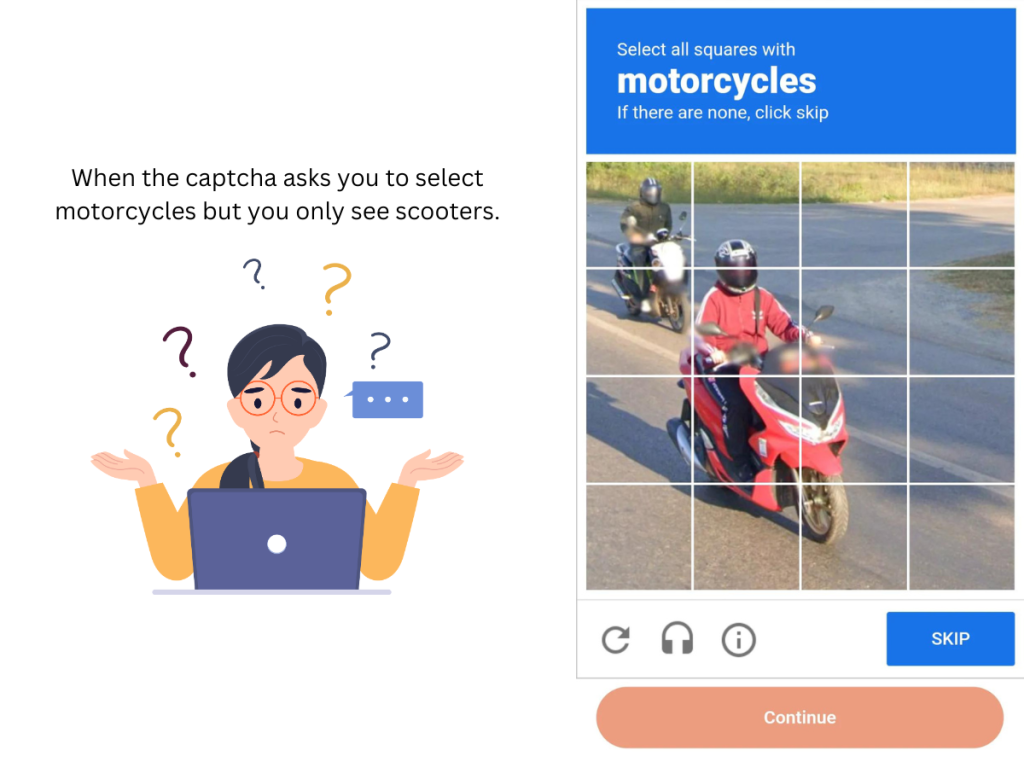
Traffic through a VPN does not look like normal human VPN traffic. You will have to prove that you are human more than usual.
Do with this information what you want, Google has tough captchas (confirming you are human by clicking pictures) but I have yet to do one for Bing when I have used my VPN. I am personally not bothered by this because it is a reminder that the VPN is actually working.
Since your traffic is not going through a direct route, your internet speed will be somewhat slower. Folks that have slow internet will see it get a lot slower. Folks that have super fast internet connections will probably not notice a difference. With that said, some people who are already subject to throttling from their ISP (internet service provider like AT&T, Comcast, etc.) may actually see their internet speed go up.
Your VPN cannot make you immune to attacks online. It can only make it HARDER for your information to get into the wrong hands.[2] VPNs won’t make you anonymous online, they won’t make you unhackable, and they won’t protect you from malware.[1] A VPN is not intended to be a substitute for good internet surfing practices. It is intended to be one of many best practices for keeping yourself safe online.
With that said, if you are using your computer in a public location and you are accessing any website that you don’t want someone else to see (like a banking website), use a VPN.[1]
I have historically used openVPN and ProtonVPN and they both work just fine. ProtonVPN has a free VPN with an exceptional user interface but the features are limited. OpenVPN has more features, but it does need a little bit of set up on the front end. With openVPN you will need a username and password which you can get from vpnbook.com.
If you are a light user looking for plug-and-play, I suggest ProtonVPN or actually purchasing a VPN.
VPNs are a powerful piece of technology that can help keep you safe from threat actors and prowling eyes. Nerds, cafe surfers, and big businesses alike can all benefit from this tool. I have included additional resources below to check out for further information.
As always, here at Orcannus Cyber Security, we believe that everyone should be able to access the internet safely and confidently. We provide comprehensive threat prevention, detection, and remediation services for small to medium businesses. Don’t hesitate to reach out for a quote!